Update Your Business Information
Keep your business name, contact emails, and address up to date so customers and order notifications always reach the right place.
Keep your business name, contact emails, and address up to date so customers and order notifications always reach the right place.
Overview
Your Business Information page is where you manage the basics — your business name (which shows up on your website, orders, and emails), the email addresses used for order notifications and customer replies, and your business address for pickup orders.
Steps
1. Go to Settings
Direct link: Open this page
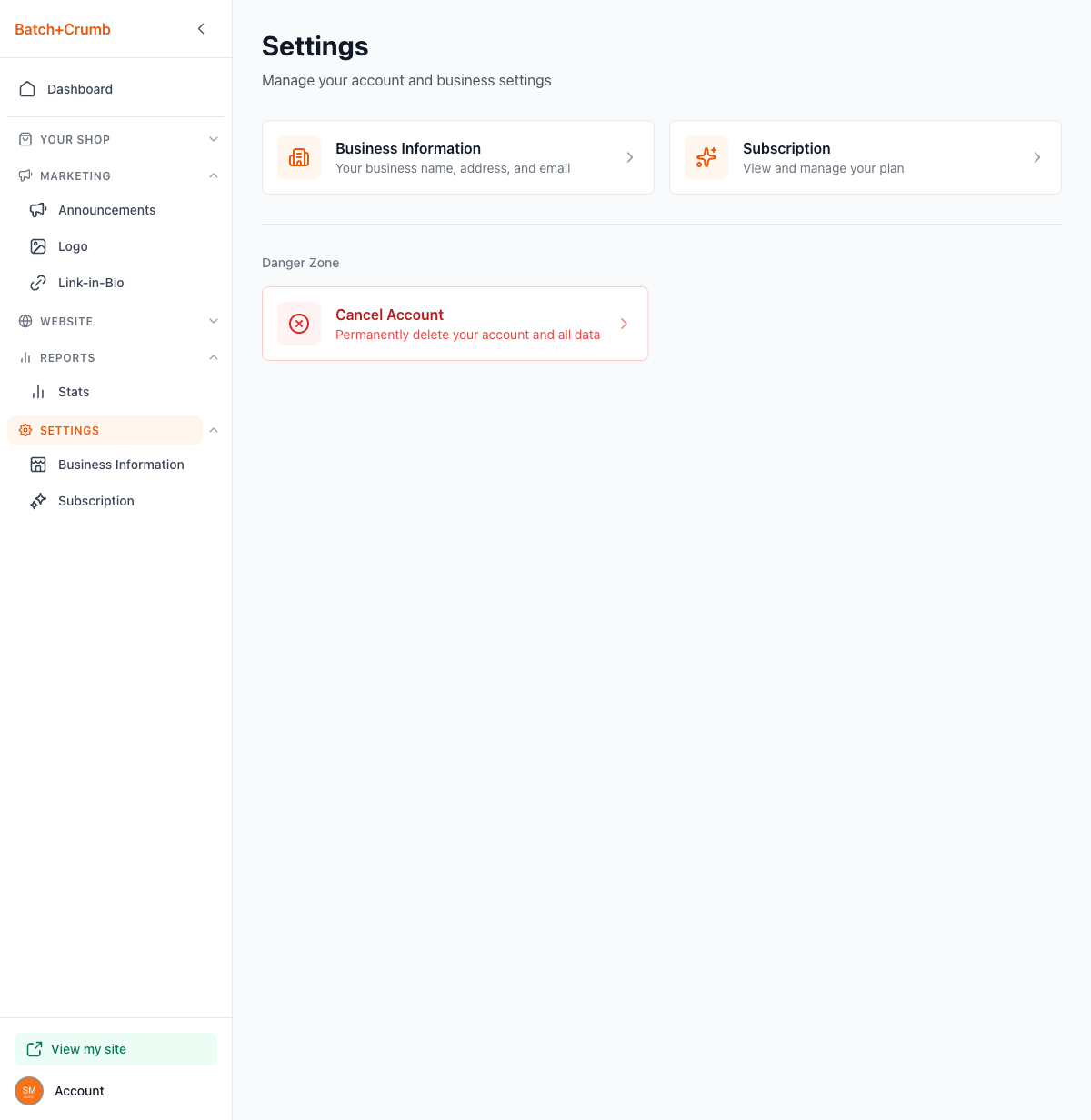
From the sidebar, click Settings. You'll see cards for Business Information and Subscription, plus a Danger Zone section at the bottom.
2. Open Business Information
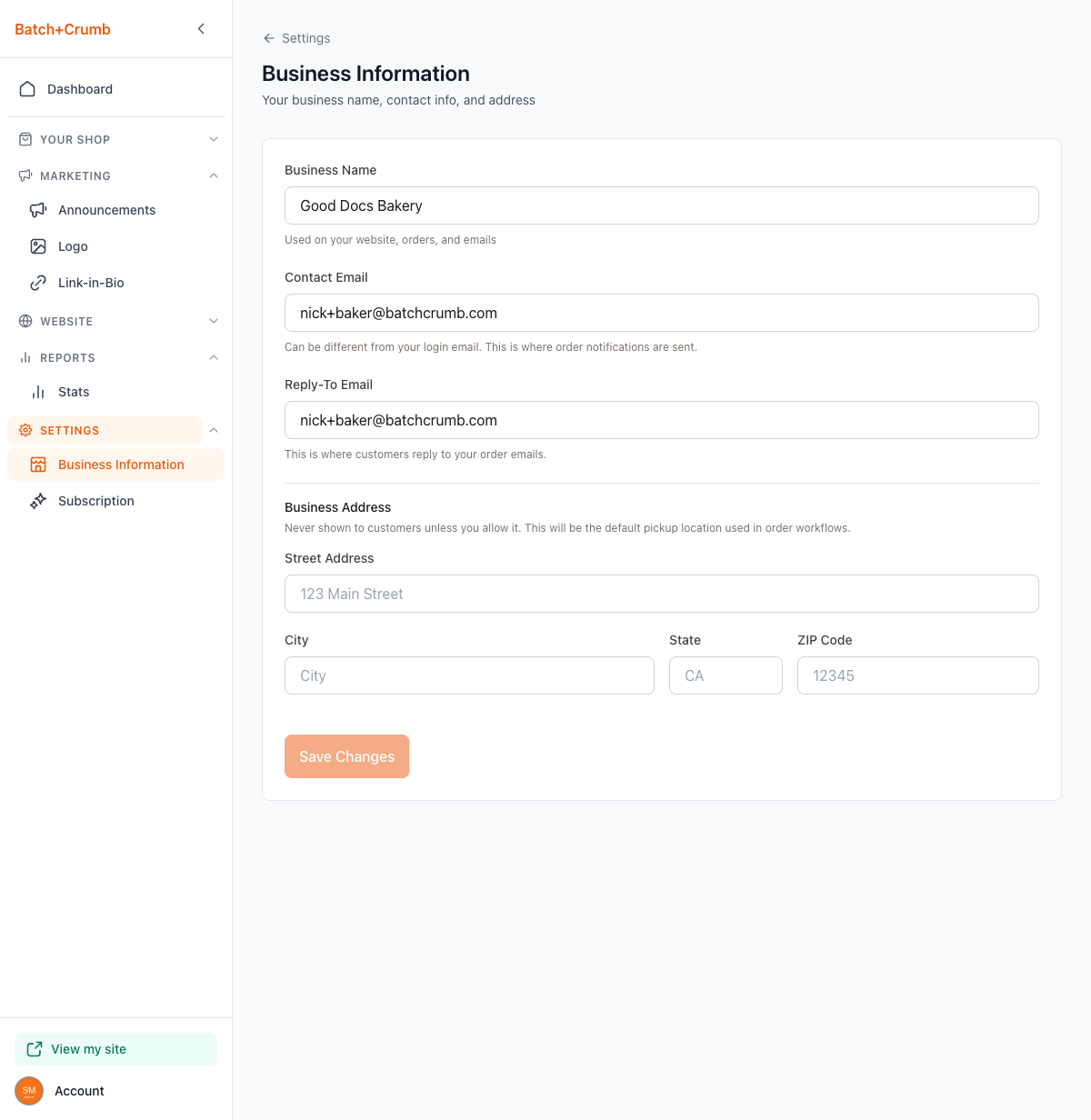
Click the Business Information card (or the Business Information link in the sidebar under Settings). You'll see a form with all your business details.
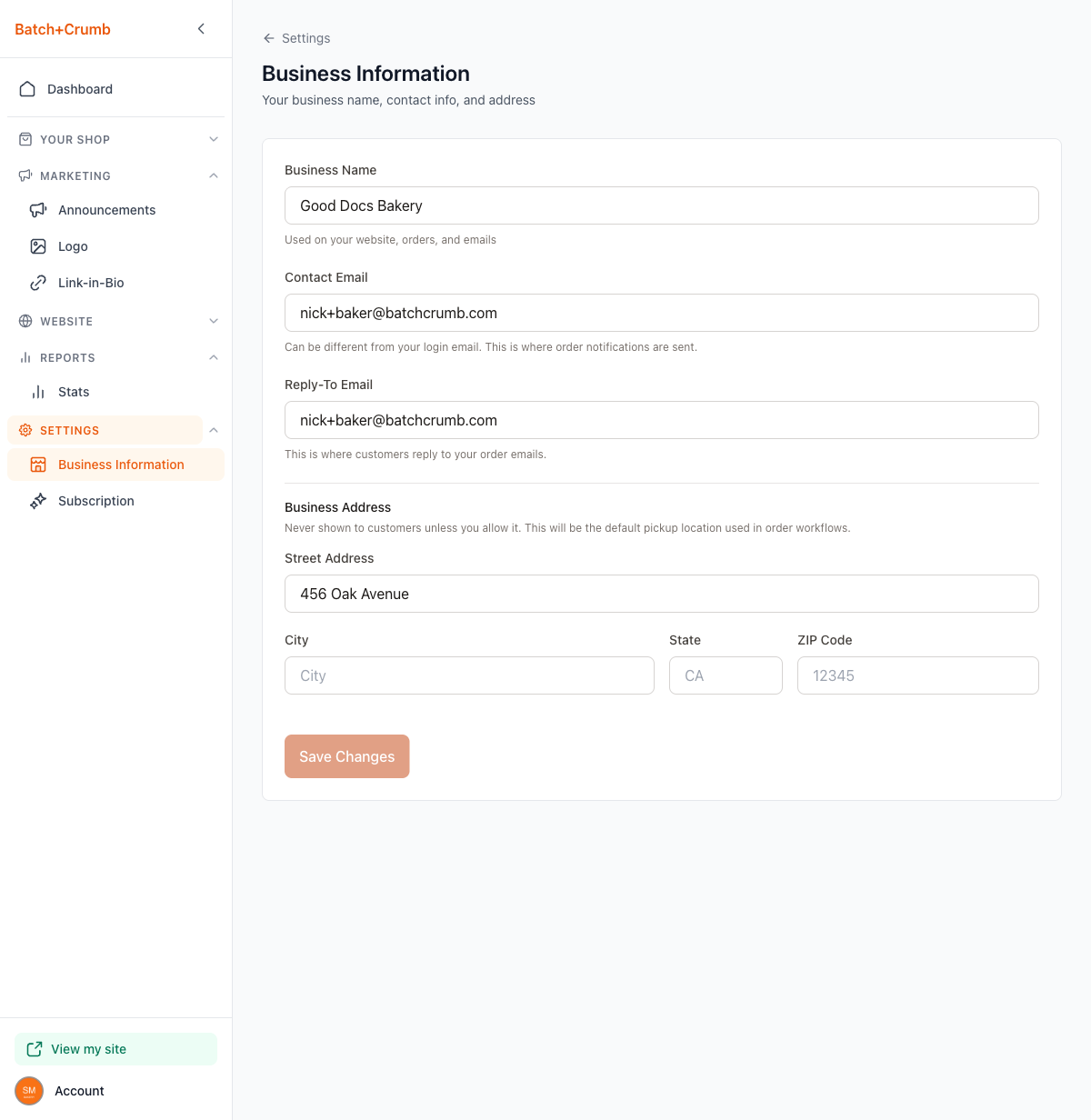
3. Update your details
Here's what each field does:
- Business Name — This is the name that appears on your website, in order emails, and throughout your shop. Update it here and it changes everywhere.
- Contact Email — This is where order notifications get sent. It can be different from the email you use to log in.
- Reply-To Email — When a customer replies to one of your order emails, their reply goes to this address.
4. Add or update your business address
Scroll down to the Business Address section. This address is never shown to customers unless you choose to share it. It's used as the default pickup location in your order workflows.
Fill in your:
- Street Address
- City
- State
- ZIP Code
5. Save your changes
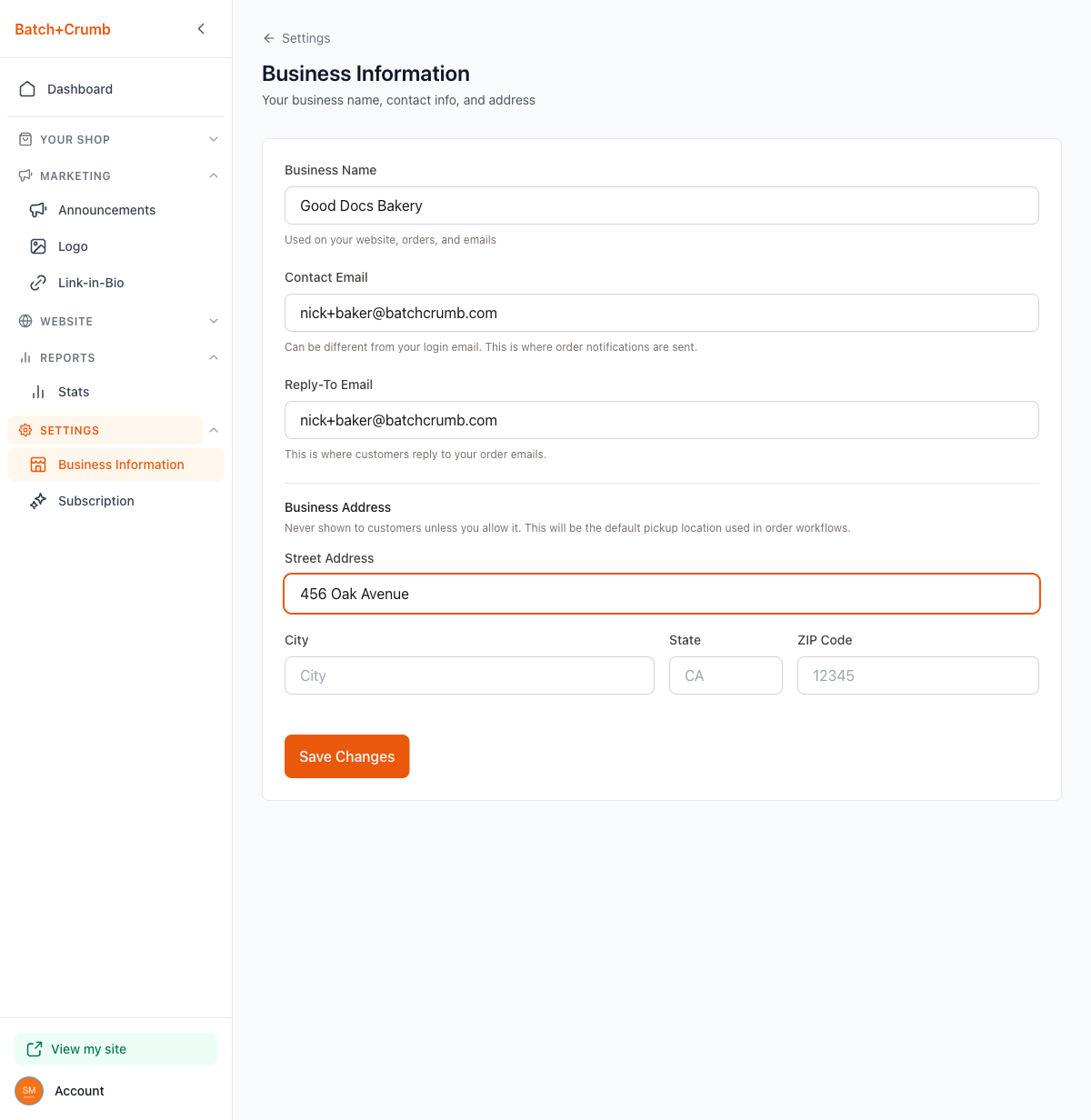
Click Save Changes at the bottom. The button stays grayed out until you make a change, so you'll know there's something new to save. You'll see a "Settings saved!" confirmation once it's done.
Tips
- Your Contact Email and Reply-To Email can be the same address if you want all order-related emails in one inbox.
- Updating your business name here updates it across your entire site — you don't need to change it in multiple places.
- Your business address is private by default. It's mainly used as the pickup location shown to customers after they place an order.