
Manage Social Links
Add your social media profiles to your site so customers can follow you on Instagram, Facebook, TikTok, and more.
Included in all plans
Direct link: /site/admin/web-settings/social-links
Add your social media profiles to your site so customers can follow you on Instagram, Facebook, TikTok, and more.
Overview
Social links appear in your website's footer, making it easy for customers to find and follow you on social media. You can add links to eight different platforms, rearrange their order, and update or remove them anytime.
Steps
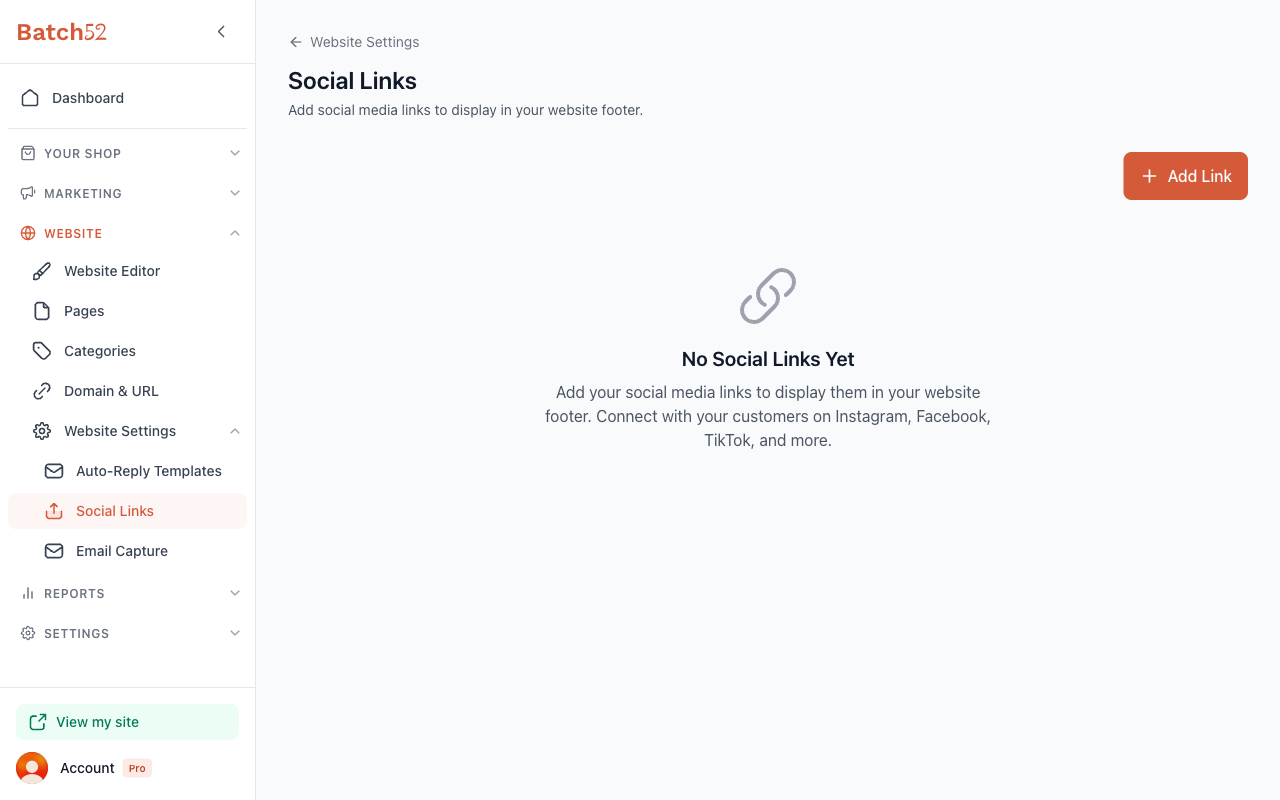
1. Go to Social Links
From your admin dashboard, click Website in the left sidebar, then expand Website Settings and click Social Links.
2. Add a social link
Click the + Add Link button in the top-right corner. The Add Social Link dialog appears.
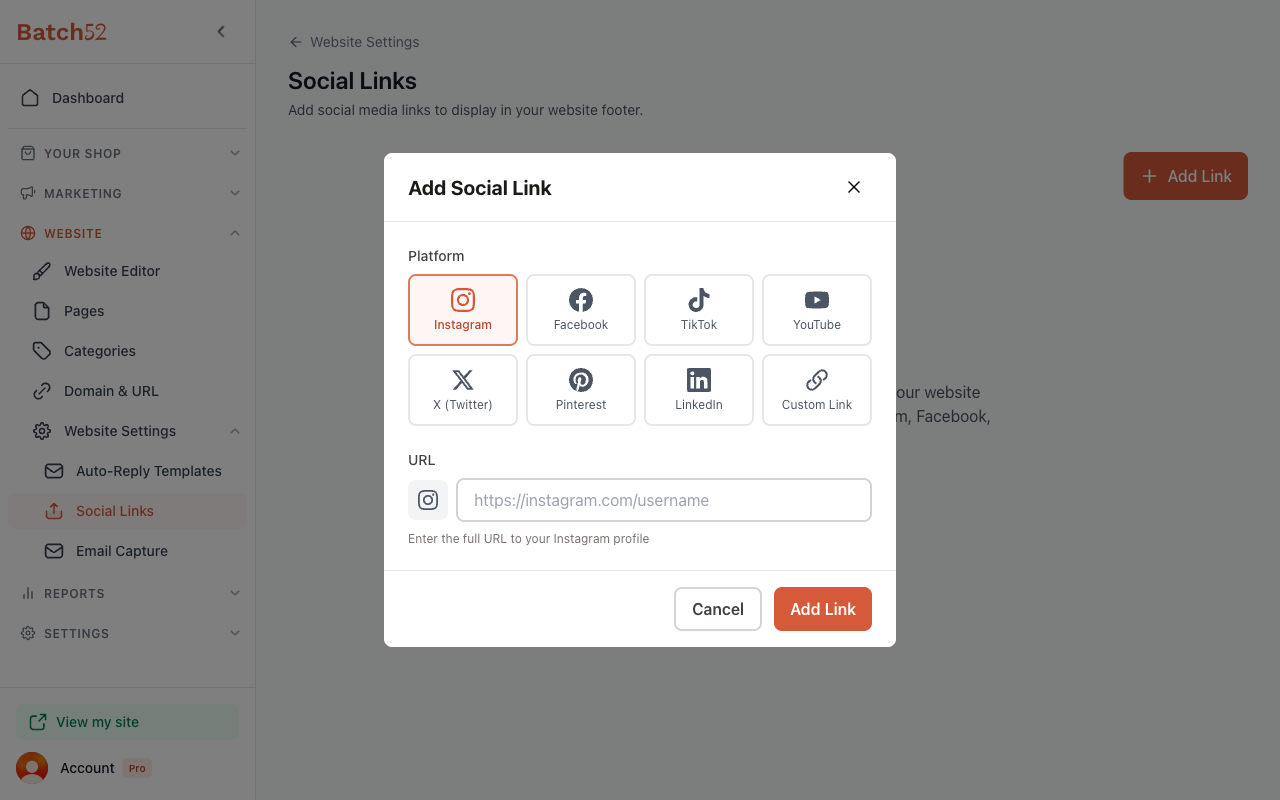
Choose your Platform from the eight options:
- TikTok
- YouTube
- X (Twitter)
- Custom Link — for any other website or platform
Then paste the full URL to your profile in the URL field. If you picked Custom Link, also fill in Link Label, the name that will appear for that link. The placeholder text and helper message update based on the platform you pick, so you know exactly what to enter.
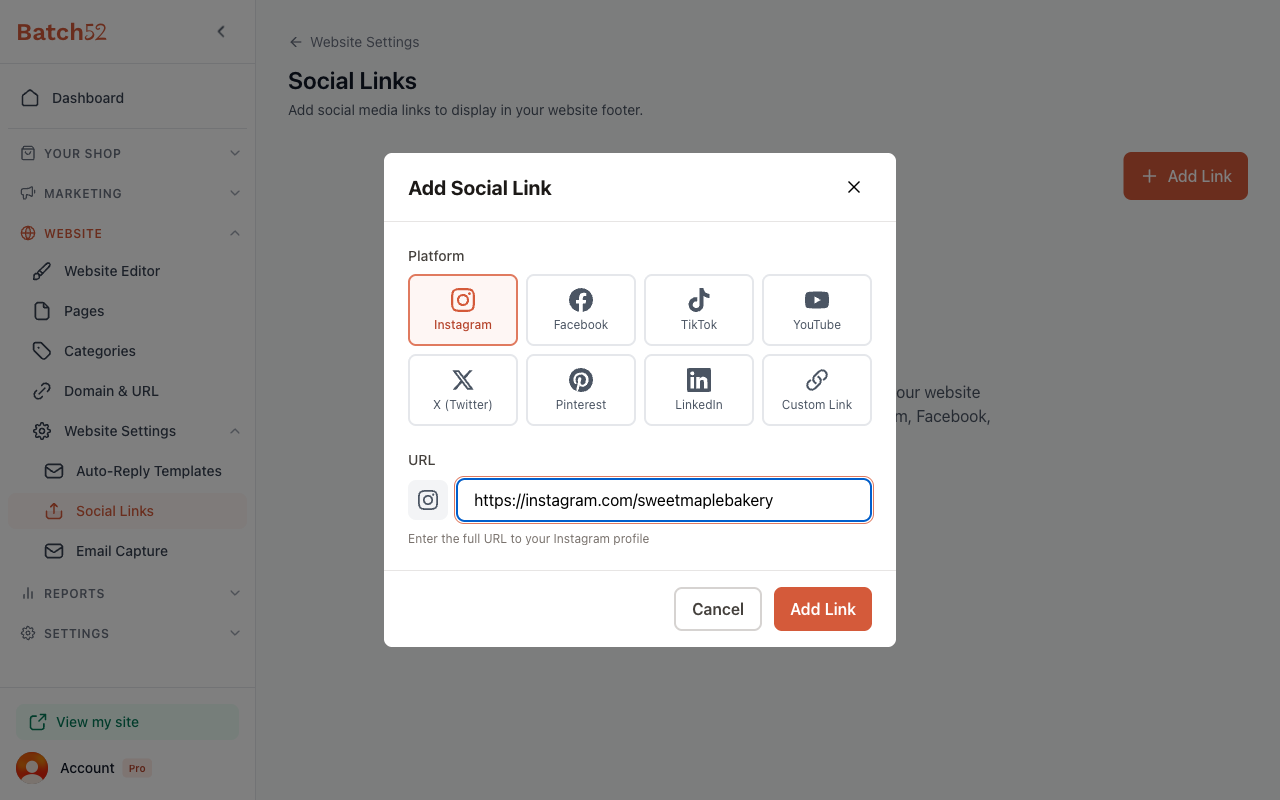
Click Add Link to save it.
3. Add more links
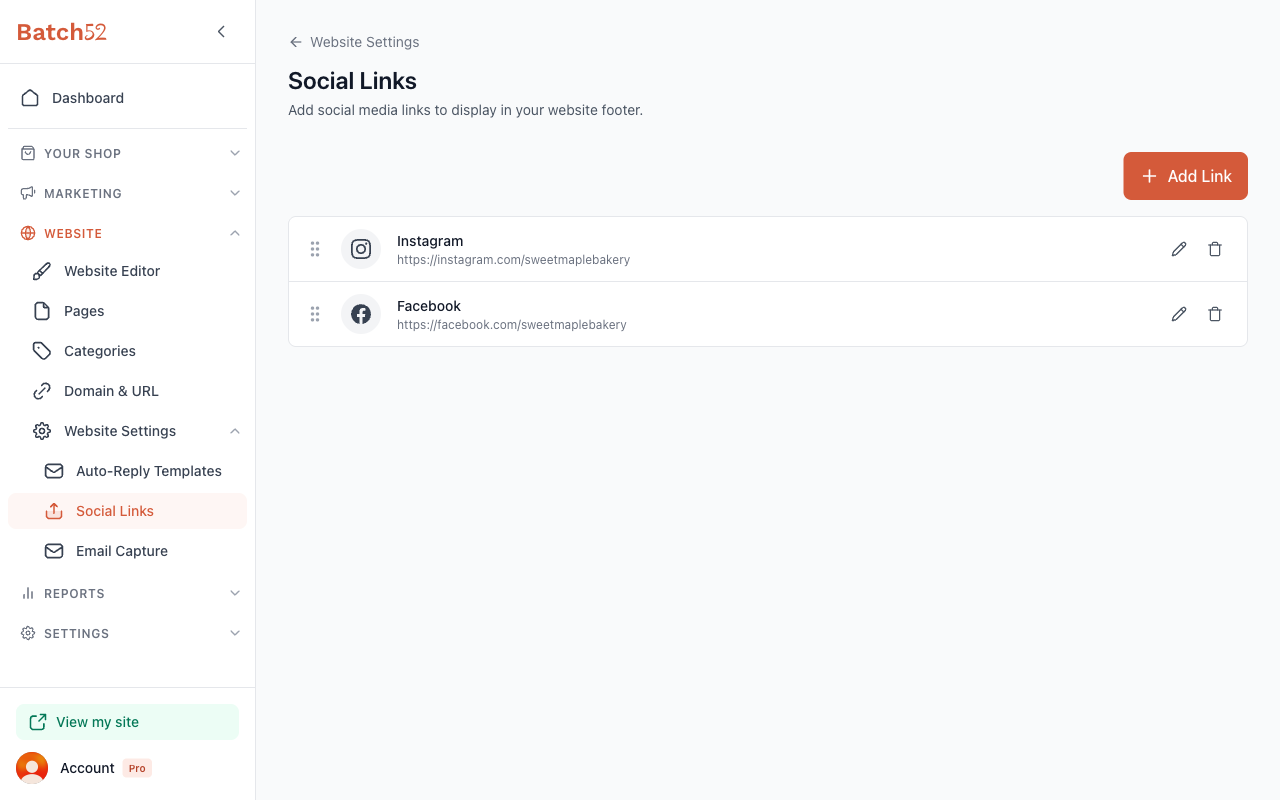
Repeat the process for each social media profile you want to display. Each link shows up as a row with the platform icon, name, and URL.
4. Reorder your links
Use the drag handle (the six-dot icon on the left side of each link) to drag and drop your links into the order you want. The first link in the list appears first in your website footer.
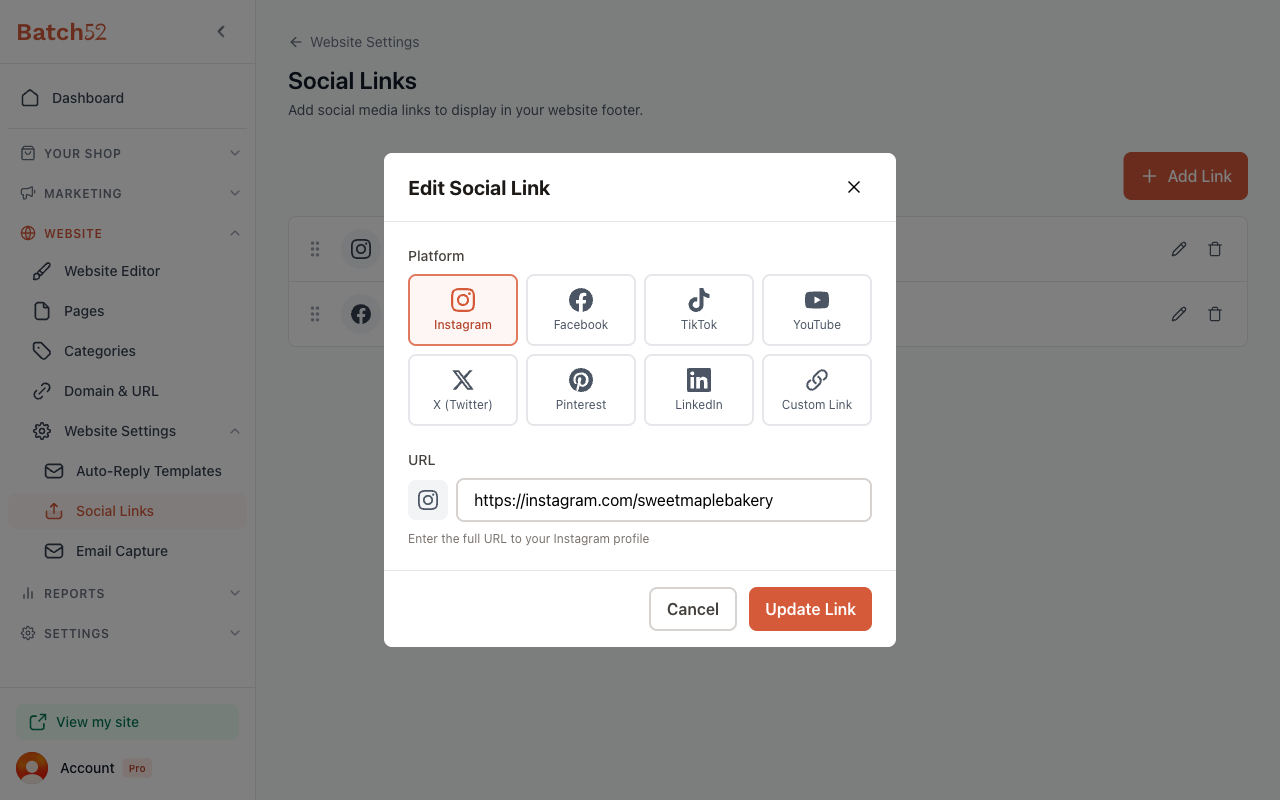
5. Edit a link
Click the pencil icon next to any link to open the Edit Social Link dialog. You can change the platform, update the URL, or both. Click Update Link to save your changes.
6. Delete a link
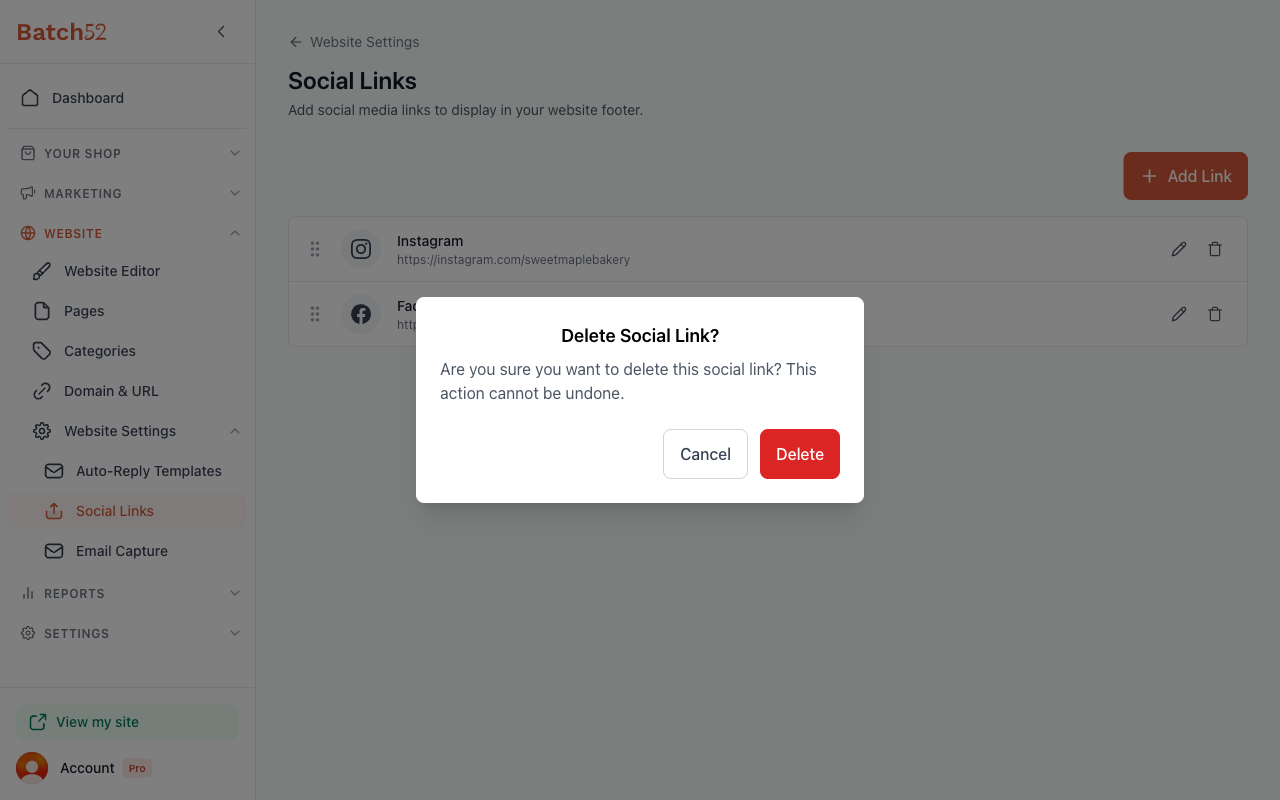
Click the trash icon next to any link you want to remove. A confirmation dialog asks you to confirm — click Delete to remove it, or Cancel to keep it.
Tips
- Instagram is usually the most important platform for cottage food businesses — if you only add one link, make it your Instagram.
- Use the Custom Link option to link to your Etsy shop, Linktree, or any other page you want customers to find.
- Make sure you paste the full URL (starting with
https://) — not just your username. - Social links show up in your website footer automatically. There's nothing extra to turn on.